 Cubby
Screenshot organizer for iPhone
Screenshots
worth keeping.
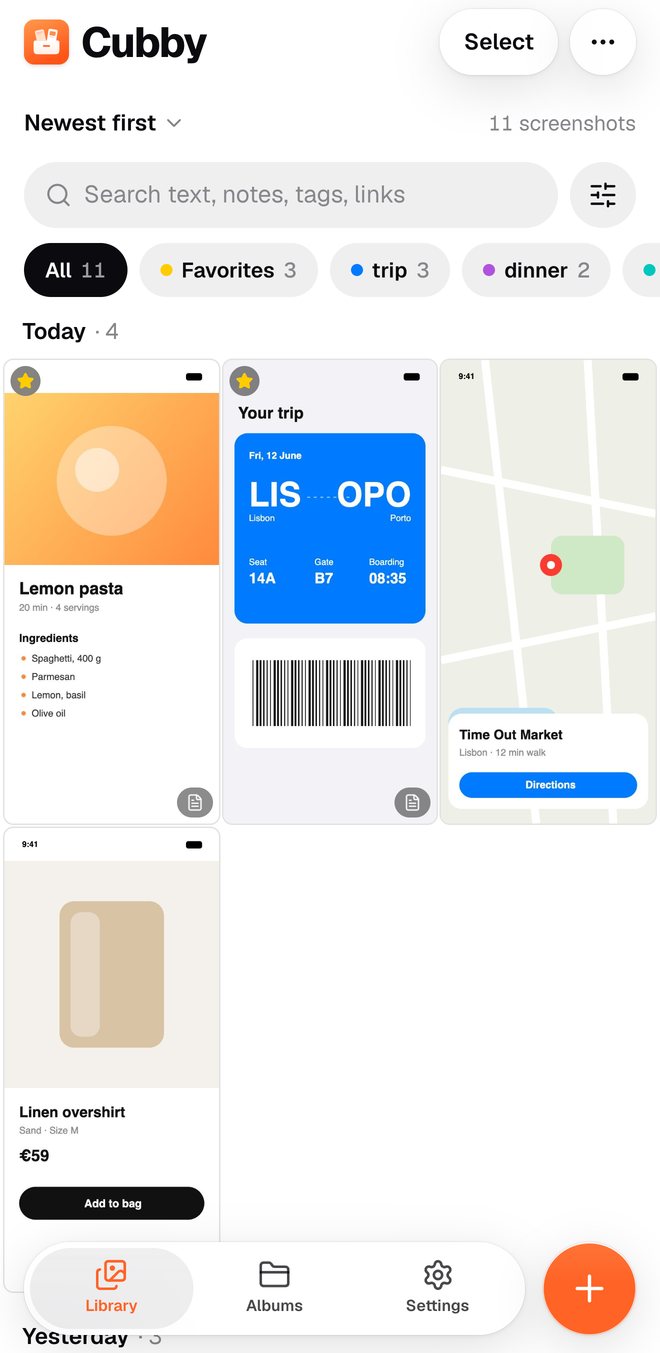
Recipes, outfit ideas, travel plans, chats you want to remember. Cubby gives them a calm home: a library sorted by day, albums, tags and a search that reads the text inside every shot.
Coming soon to the App Store
How it works
No account. No ads. Everything stays on your iPhone.
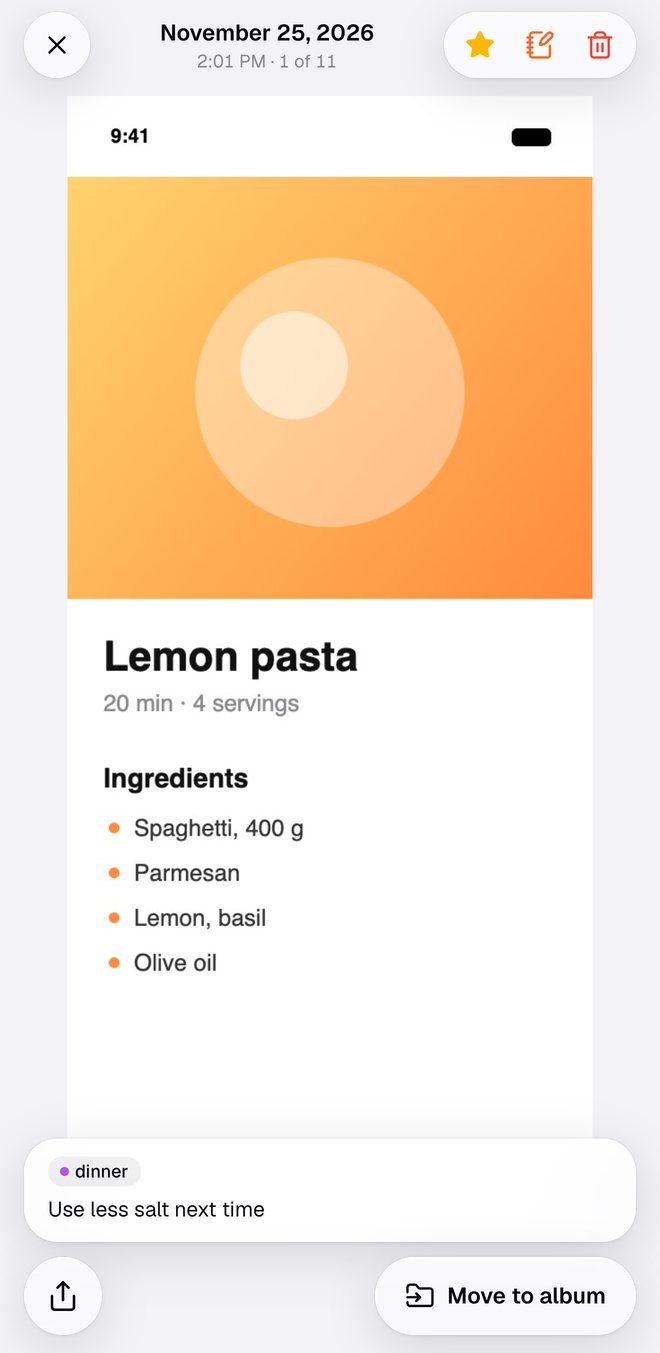
Save it once. Find it forever.
Cubby fits into the way you already take screenshots.
- 1Take a screenshot, tap Share and pick Cubby. Or import all your screenshots from Photos at once.
- 2Drop it into an album and add a note, a few tags or the link it came from.
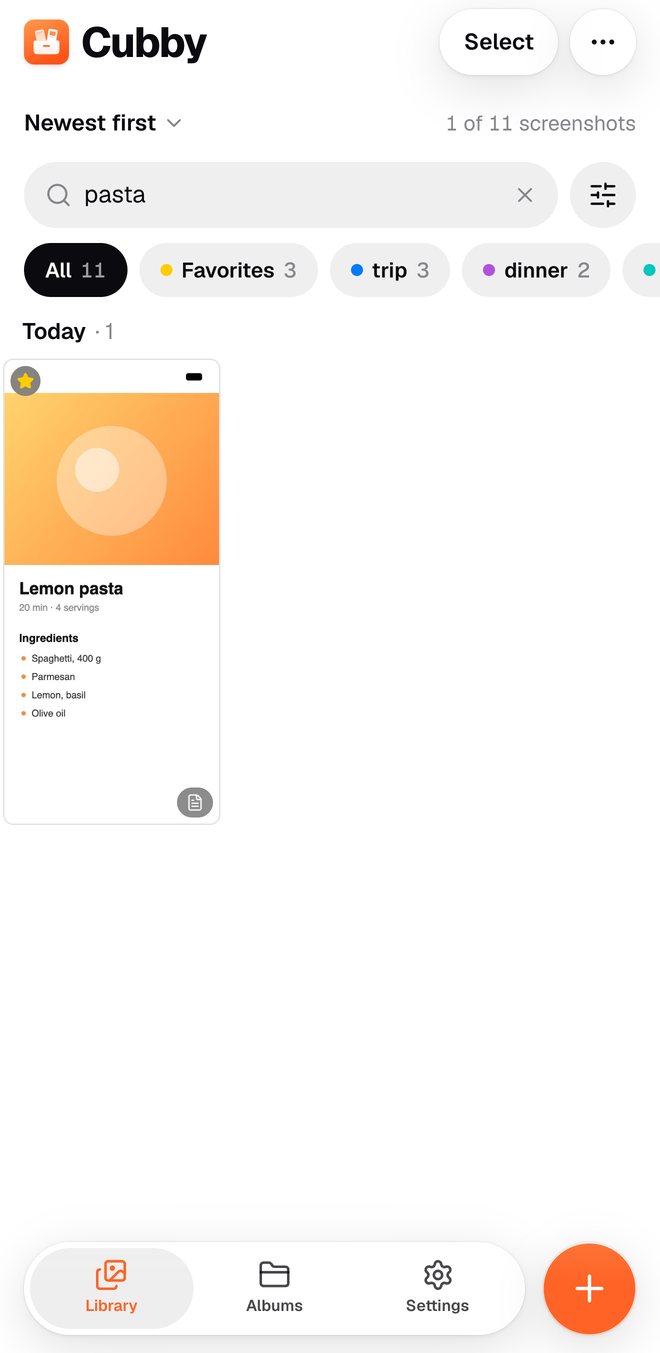
- 3Search any word that's in the picture. Cubby reads the text for you, right on your iPhone.
Built for the shots worth keeping.
Not another camera roll. A calm place for the things you want to come back to.
Search inside images
- On-device text recognition
- Searches notes, tags and links too
- Works offline
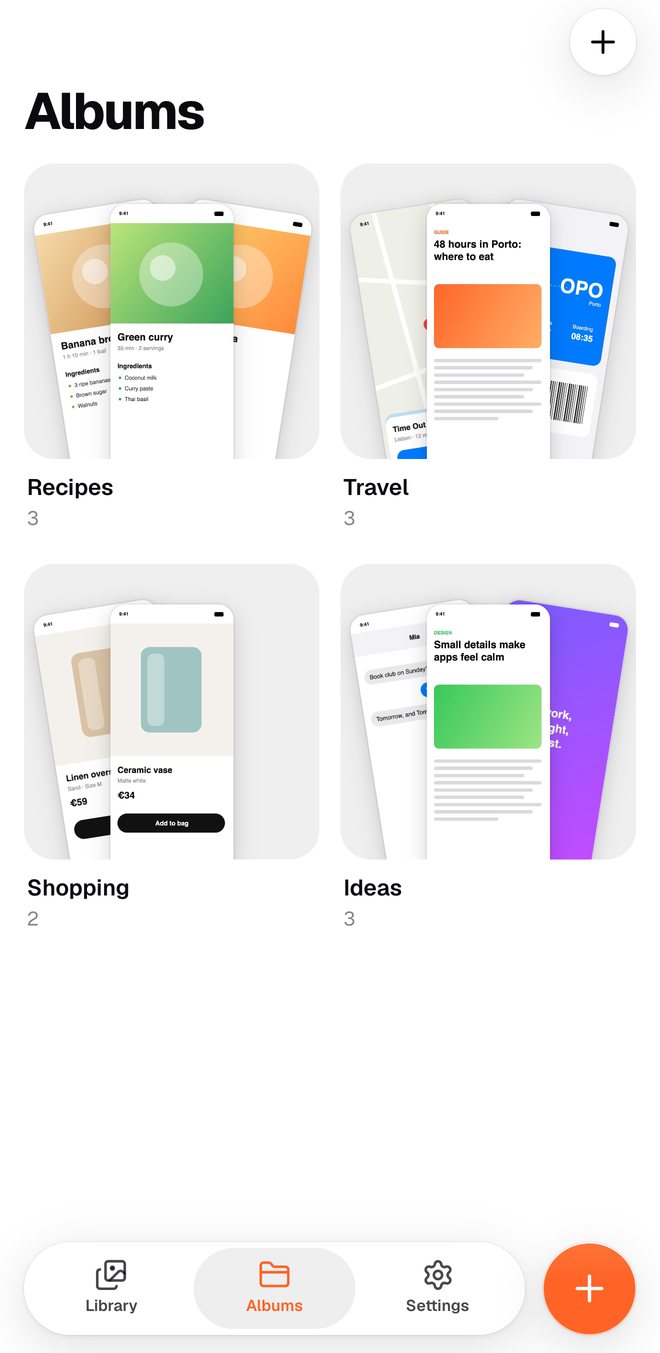
Albums that make sense
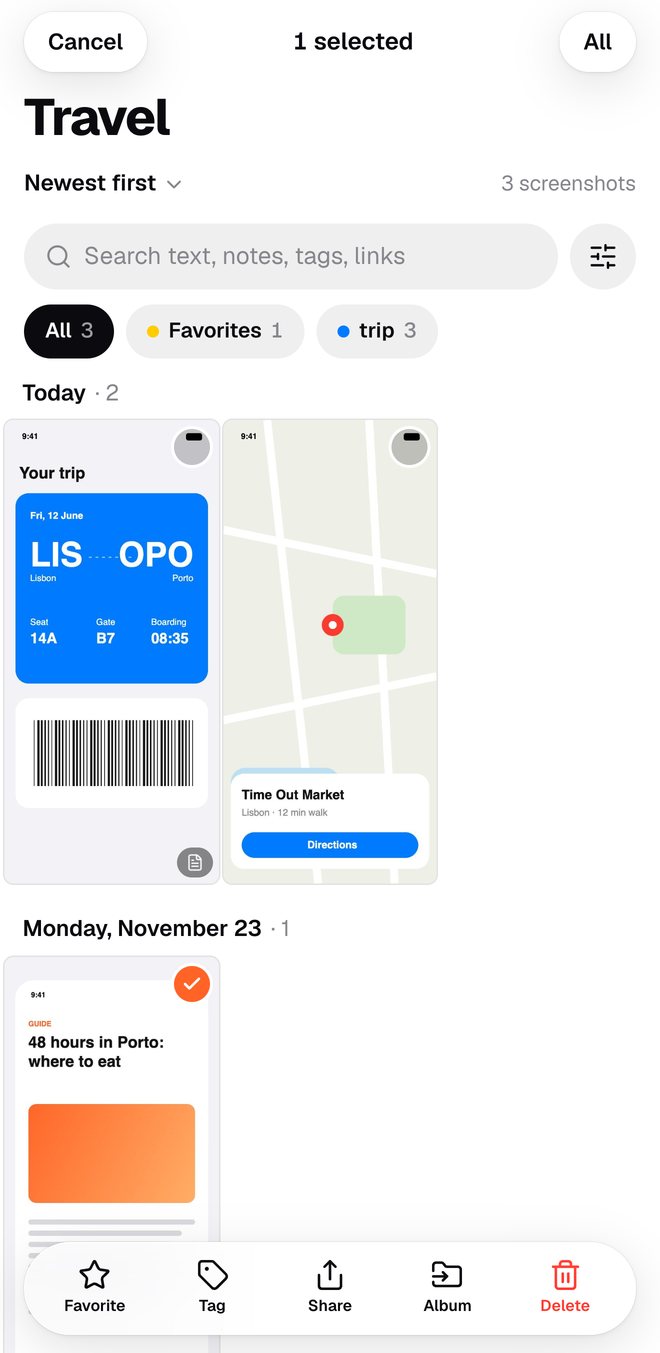
- A library sorted by day, plus albums
- Move many shots at once
- Hold and drag to reorder albums
Notes, tags & source
- Remember why you saved it
- Tag with #ideas, #recipes, #travel
- Keep the link it came from
Feels like Photos
- Pinch the grid from 1 to 6 columns
- Pinch, pan and double-tap to zoom
- Slide to select many at once
Filters & clean up
- Filter by tag, date, notes, links or text
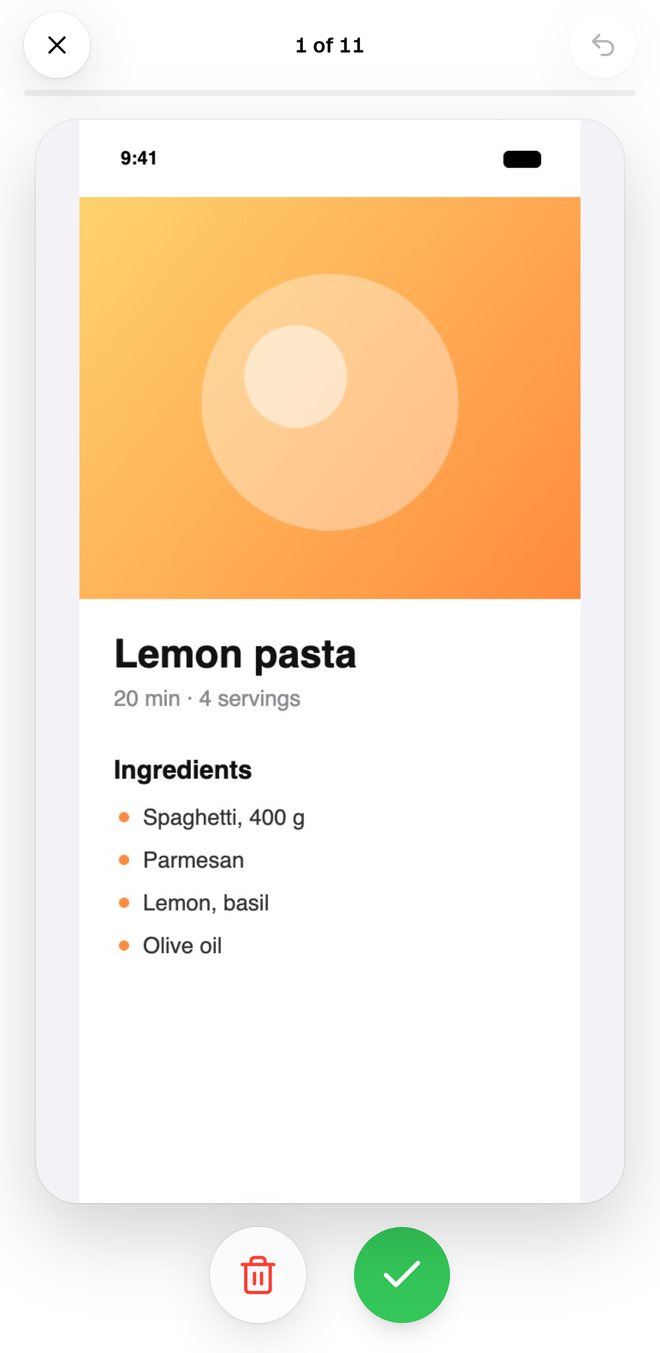
- Swipe left to delete, right to keep
- Optional auto-delete after 7 to 90 days
Private by design
- No account, no ads, no tracking
- Everything stays on your iPhone
- Backups as a file you control
Take a look inside.
Ideas, feedback, a feature you miss?
Cubby is made by one person in Germany. Every message is read.